
Phone Call Verification
Phone Call verification
Disclaimer: Microsoft is moving towards not allowing Phone Call Verification as a primary form of MFA. While it's currently available to implement that might not be the case in the near future.
While logging into a service, a phone call will be placed to the number associated to the account for verification. Following the prompts in the phone call will authenticate you for use. This option is a good choice if you prefer to use an office phone rather than a personal device.
- Once signed into your account select "+Add sign-in method"
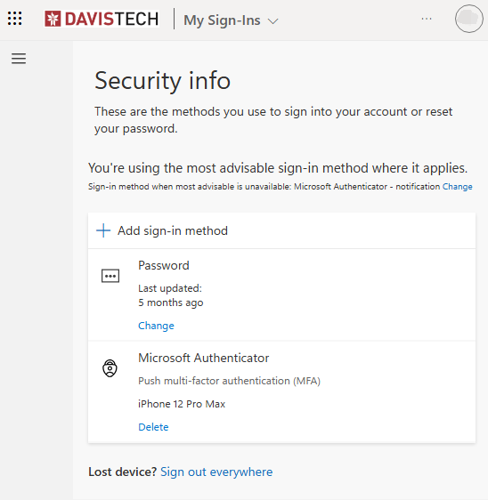
- Select: "Phone" from the drop down menu
- Add a mobile or office number to be called
- Once you get a call authenticate the call following the voice prompts
- You're set.
If you'd like to change the default authentication to be a phone call
- Select "Change" under Default sign-in method
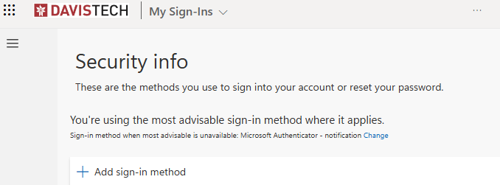
- Under Default sign-in method: select "Phone - call +1 ----------"